 Thought Capsule
Deutsch
Thought Capsule
Deutsch
Speak. It becomes Markdown.
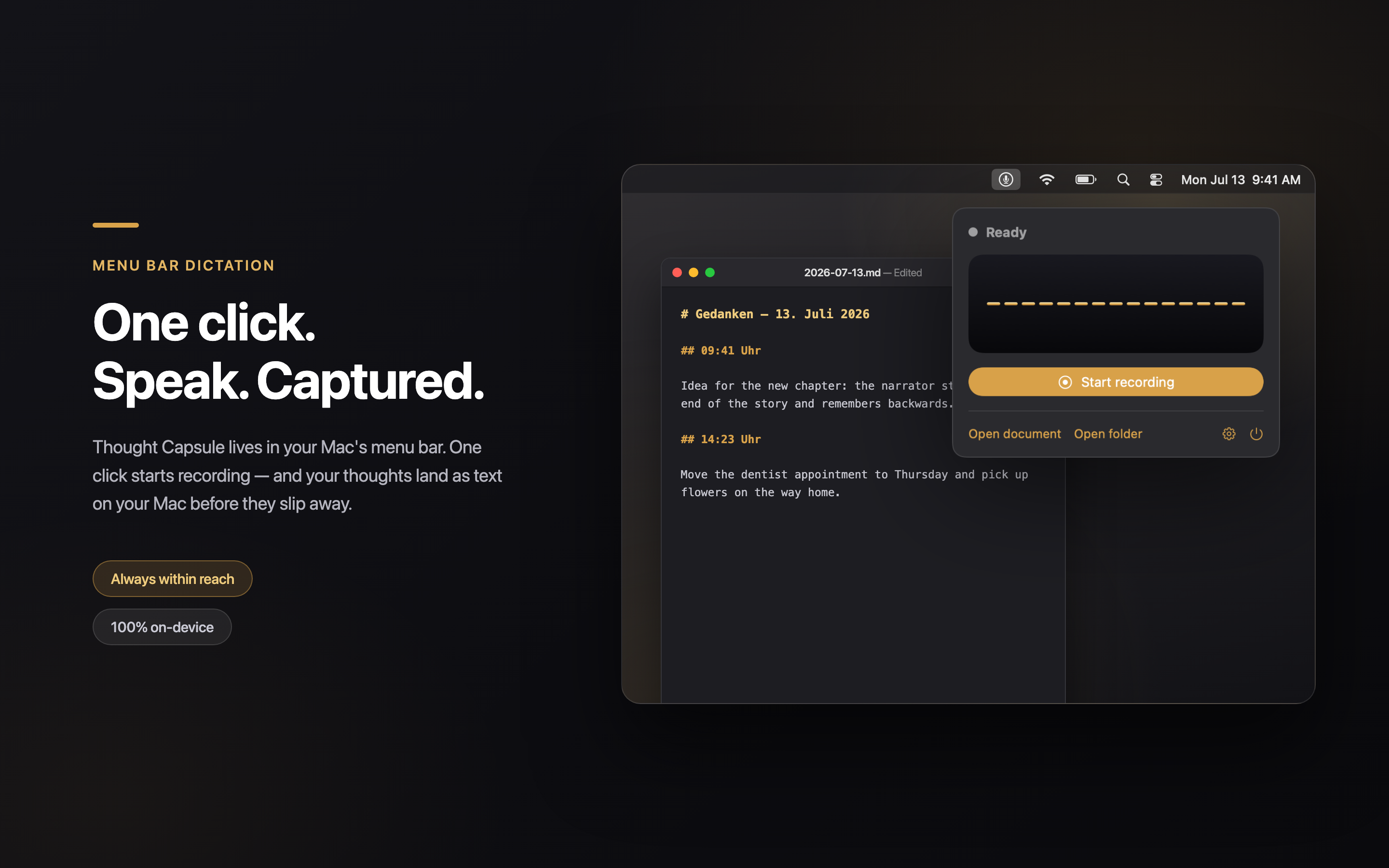
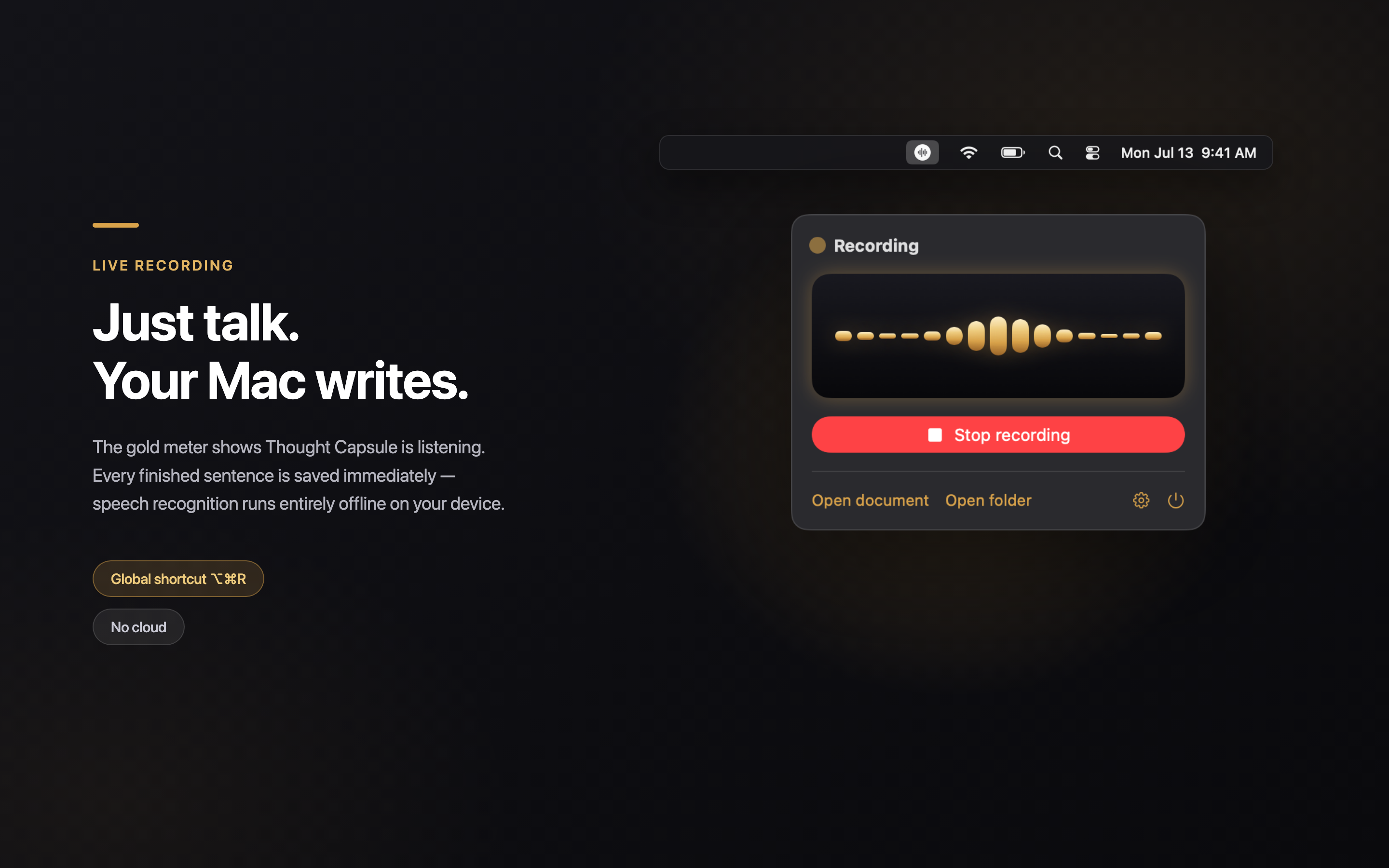
Click the menu bar icon, start talking — your words land as a Markdown file on your Mac. Fully offline, no cloud, no data collection.
Coming soon to the Mac App StoreFree · Requires macOS 26 or later · App interface is in German
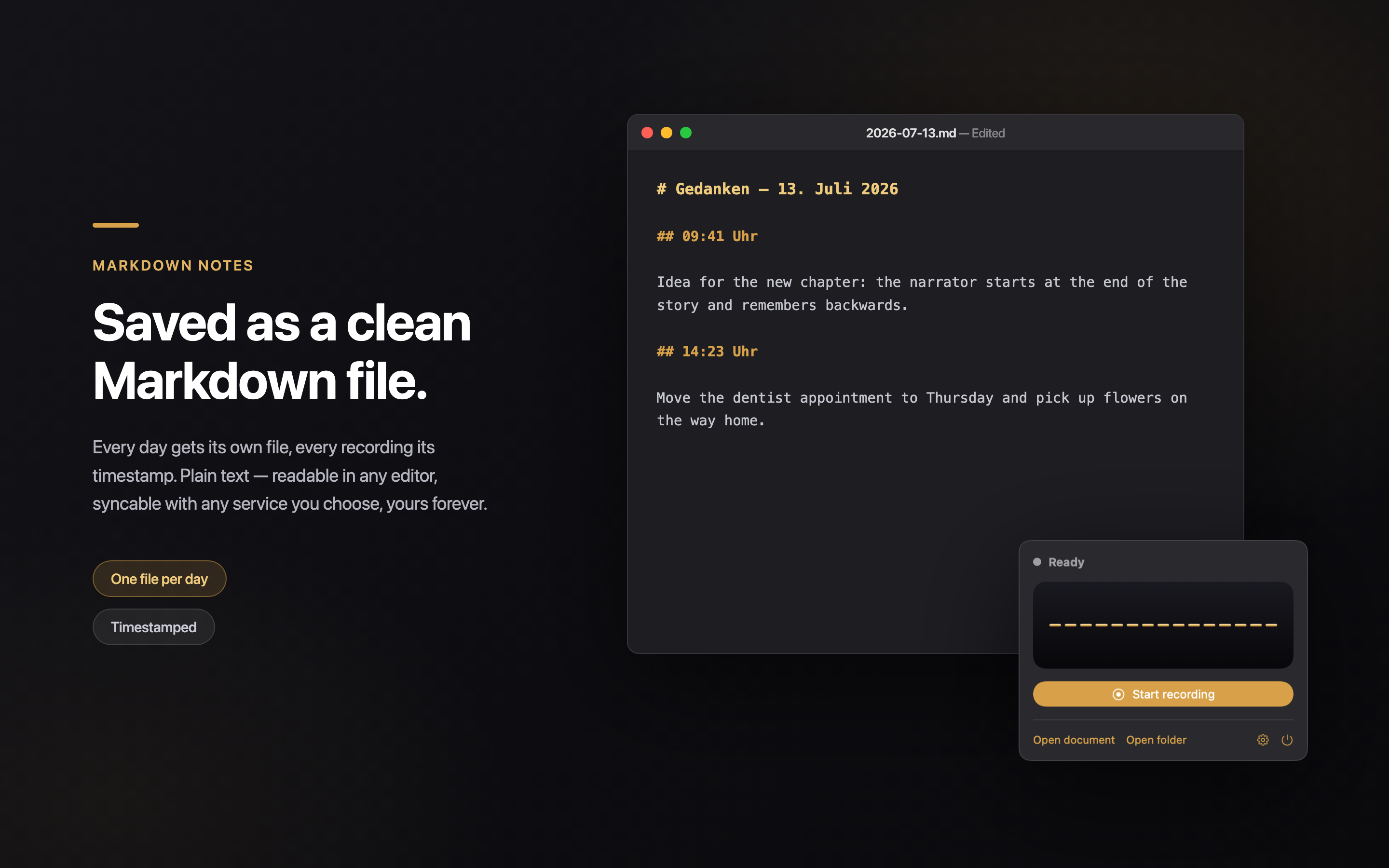
# Gedanken – 13. Juli 2026

## 09:41 Uhr

This morning's idea: stop typing notes and just say them out loud — the Mac does the writing.
Privacy
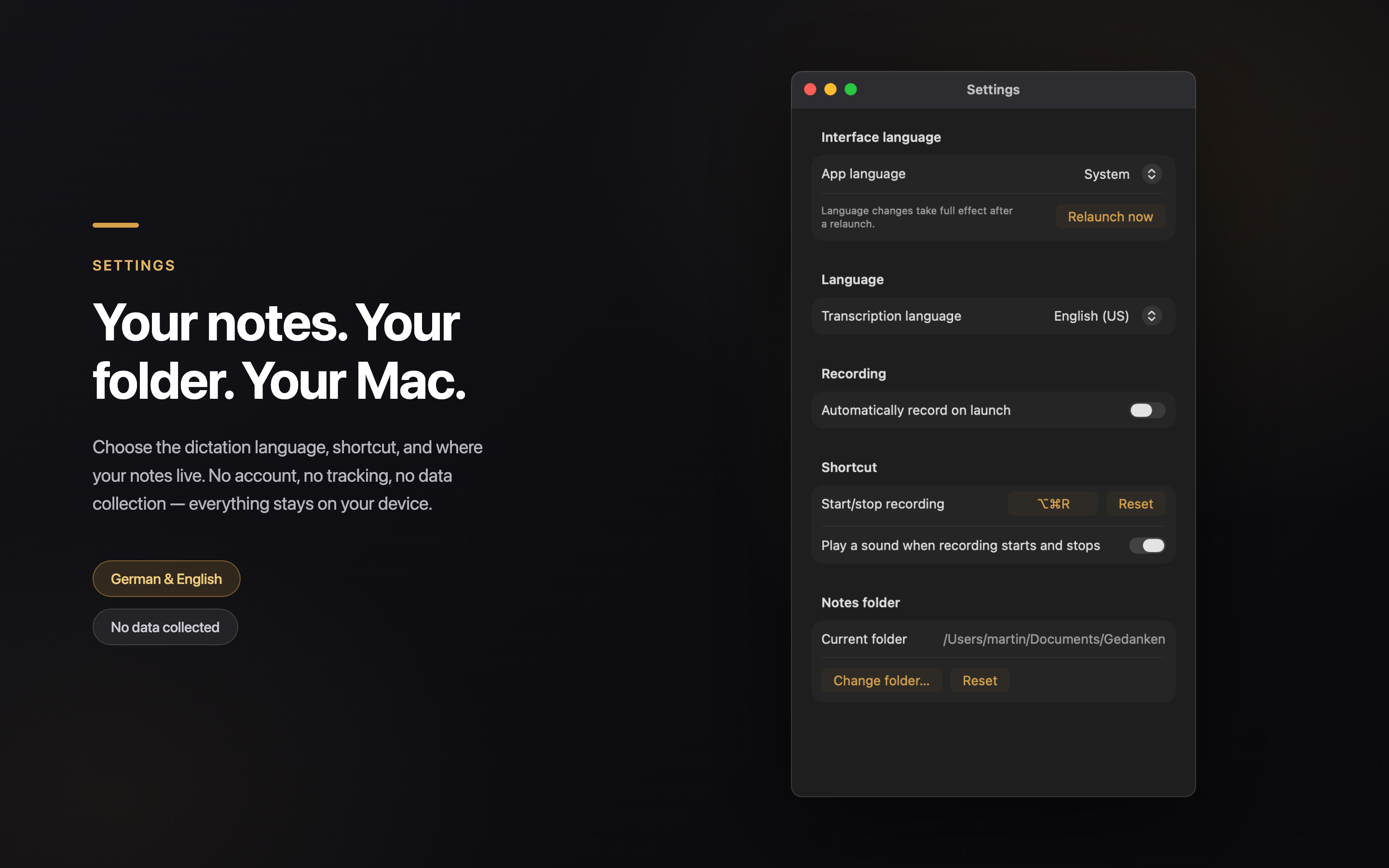
Thought Capsule collects no data. Speech recognition runs on the on-device models built into macOS — not a single word leaves your Mac, and audio is processed transiently, never stored. Your notes live as Markdown files in a folder you choose. And they stay there.
Support
Questions, problems, or ideas? Write to thoughtcapsule@syndicats.de — we usually reply within a few business days.
Good to know: Thought Capsule is a menu-bar-only app — after launch you'll find it in the top-right menu bar, not in the Dock. It requires macOS 26 or later plus the Microphone and Speech Recognition permissions.